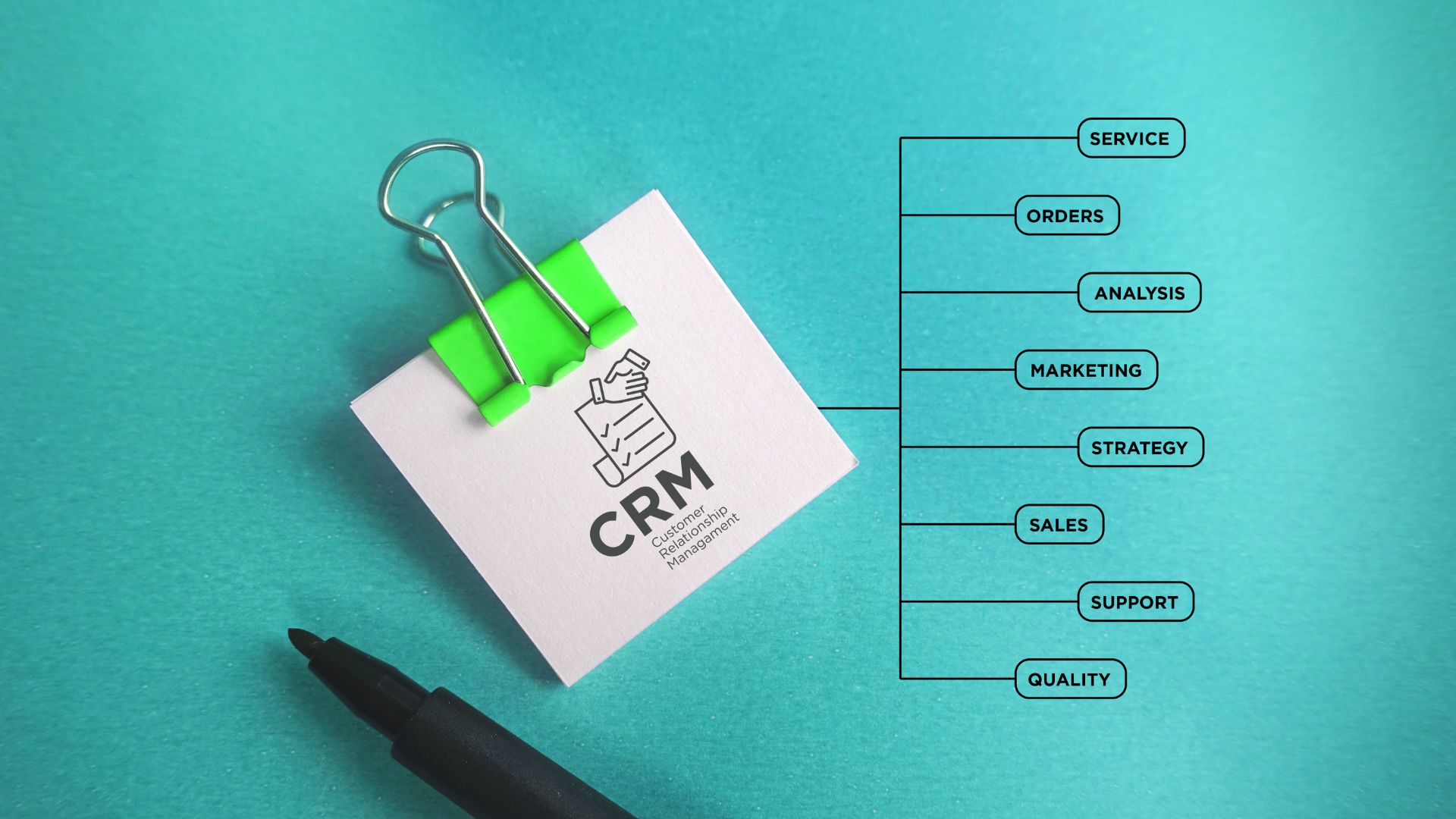
If your CRM is just a digital Rolodex, you’re missing the point.
Many businesses think a CRM is just a place to store leads. Name, email, phone number — done. Check the box.
But the truth? Storing leads doesn’t grow your business. Managing relationships does.
Let’s break down why this distinction matters, and how you can turn your CRM into a relationship-building machine instead of a static database.
Storing Leads: What It Is (and Why It Falls Short)
Storing leads is exactly what it sounds like:
You capture contact info and call it a day.
Typical examples of lead storage:
- Uploading spreadsheets into the CRM
- Adding a name, email, phone number
- Marking them as a generic “Lead”
The problem:
When leads are just stored, nothing happens automatically. No follow-ups, no segmentation, no personalized marketing. The CRM becomes a static address book, and leads quietly go cold.
In short: storing leads is passive.
Managing Relationships: The Active Approach
Managing relationships in a CRM is active, not passive. It’s about building context and automating meaningful engagement.
Key components of relationship management:
- Tracking Interactions
Emails sent, calls made, meetings held — every touchpoint is recorded. You always know where a lead is in their journey. - Segmenting for Relevance
Group contacts by stage, behavior, interest, source, or engagement. Messaging becomes tailored and personal. - Automating Follow-Ups
Instead of hoping someone remembers to follow up, automated reminders and sequences ensure your leads are nurtured consistently. - Creating Context for Your Team
Anyone on your team should be able to pick up where the last conversation left off, without guessing or asking.
The result: Leads aren’t just “stored” — they’re actively guided through a journey from prospect to client.
Why Many Businesses Fail at Relationship Management
The gap between storing leads and managing relationships often comes down to:
1. Lack of process
- No clear rules on how to segment leads
- No defined follow-up schedule
2. Poor automation setup
- Email sequences don’t trigger at the right moment
- Reminders are inconsistent
3. Overcomplication
- Too many fields, tags, or notes
- Team members get confused and stop using the CRM
Bottom line: A CRM is only as effective as the system you build around it.
3 Steps to Move From Storing Leads → Managing Relationships
Step 1: Define Your Lead Journey
Map the path from first contact → sale → repeat client. Identify key stages and touchpoints where a relationship needs to be nurtured.
Example stages:
- New lead
- Engaged lead
- Proposal sent
- Client
- Inactive / re-engagement
Step 2: Use Tags and Custom Fields Strategically
Tags aren’t decoration — they’re triggers for smarter marketing.
Smart tag examples:
- Source – LinkedIn, Referral, Website
- Interest – Automation, Marketing, CRM Setup
- Engagement – Opened webinar email, Downloaded guide
Fields for structured data, tags for marketing logic. Together, they create clarity.
Step 3: Automate Smart Follow-Ups
Set your CRM to respond automatically based on triggers:
- Lead fills out a form → Send welcome email + internal notification
- Lead doesn’t respond in 3 days → Automated reminder sequence
- Client completes onboarding → Trigger upsell sequence or survey
Automation ensures relationships are actively managed without relying on memory.
The Kujenga Perspective
Think of it like this:
- Storing leads is keeping a list of names on your fridge.
- Managing relationships is sending thoughtful, timely messages that guide those people toward working with you — and keeping them happy after the sale.
Your CRM isn’t just software. It’s your relationship engine — if you set it up properly.
Bottom line:
Stop using your CRM as a digital filing cabinet. Start using it as a relationship management system. Map your journey, tag and segment intentionally, and automate smartly.
When done right, your CRM stops being a tool you check and starts being a tool that works for you.