
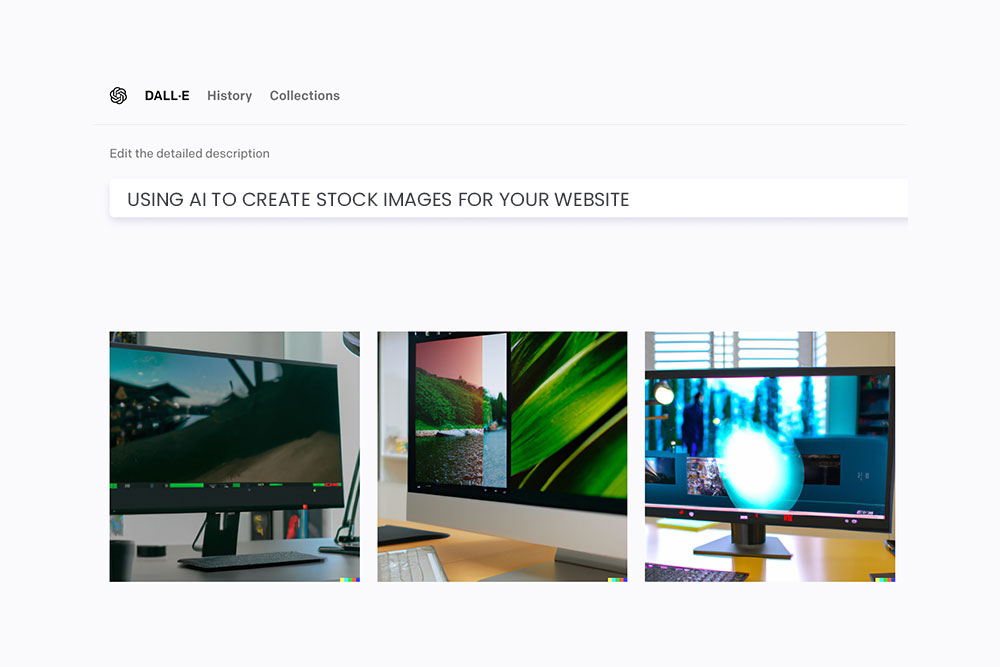
Using artificial intelligence to generate stock photos for your website can be a great way to save time and money while still maintaining a professional and visually appealing look. Here are some tips for using AI to generate stock photos on your website:
- Research AI stock photo generators: There are a number of AI tools available for generating stock photos. Take some time to research these options and see which one best fits your needs and budget. Consider factors such as the quality of the generated images, the range of customization options available, and the price. You can also read reviews and ask for recommendations from other professionals in your industry.
- Determine your needs: Before you start generating stock photos, it’s important to have a clear idea of what you need them for. Do you need images for blog posts, social media posts, or for your website’s homepage? Knowing this will help you narrow down your search and ensure that you generate the right types of images. For example, if you’re a fitness website, you might need images of people exercising or engaging in healthy activities, rather than images of office workers or cityscapes.
- Choose your keywords: AI stock photo generators work by using keywords to generate images that match your specific needs. So, it’s important to choose your keywords carefully. Think about the types of images you need and the message you want to convey. For example, if you’re a fitness website, you might use keywords like “healthy lifestyle,” “exercise,” or “wellness.” Make a list of relevant keywords and try different combinations to see what works best.
- Experiment with different settings: Most AI stock photo generators offer a range of settings and options that allow you to customize the images you generate. Play around with these settings to see what works best for your needs. You might find that tweaking the color palette or adding text to the image can make a big difference. Some AI generators also allow you to upload your own images or graphics as a starting point, which can be a useful way to create more customized images.
- Use the generated images as a starting point: While AI-generated stock photos can be a great resource, it’s important to remember that they’re not always perfect. You may need to do some editing or touch-ups to get the look you want. Use the generated images as a starting point and then make any necessary adjustments to get the perfect image for your website. You might need to crop the image, adjust the lighting or contrast, or add your own text or graphics.
Using artificial intelligence to generate stock photos for your website can be a convenient and cost-effective way to add professional-quality images to your site. Just be sure to do your research, determine your needs, choose your keywords carefully, and use the generated images as a starting point for any additional editing. With a little bit of experimentation and customization, you can create unique and eye-catching stock photos that will help your website stand out and effectively communicate your brand’s message.


